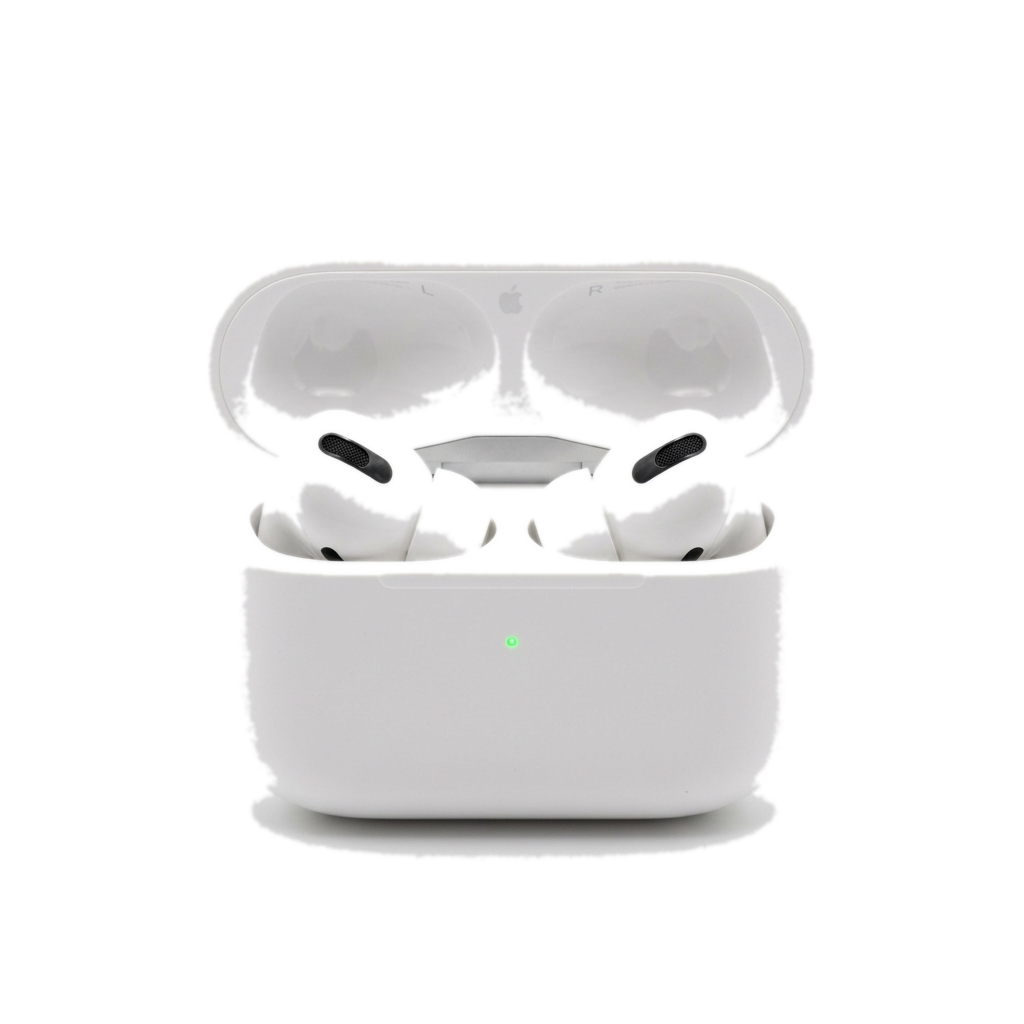
Five minutes of setup decides how your AirPods Pro sound for the next three years. Most people pair them, hit play, and never touch the settings again — and leave the best features switched off.
Pair it properly
Open the case next to an unlocked iPhone and wait for the card to slide up. That one tap signs the earbuds into every device on your iCloud account — Mac, iPad, even Apple TV — so resist the urge to pair them manually on each device later.
“The ear-tip fit test is not a formality. It is the single biggest upgrade you can make for free.”
Run the fit test
In Bluetooth settings, tap your AirPods and run the Ear Tip Fit Test. A poor seal quietly costs you bass, noise cancellation, and battery — the medium tips that ship installed fit barely half of ears.
- Try a different size on each ear — asymmetry is normal.
- Twist the bud back toward your jaw to lock the seal.
- Re-run the test after a week; foam memory changes the fit.
Set up Adaptive Audio
Adaptive Audio blends noise cancellation with transparency based on what is happening around you. Turn it on for the street and the office; switch to full ANC for flights, where the cabin drone is constant and transparency has nothing useful to pass through.
The settings worth changing
Two toggles repay the visit: Personalized Spatial Audio (scan your ears once, get noticeably better imaging) and press-and-hold volume control on the stem. Both live in the same Bluetooth settings page everyone scrolls past.